
Daash - Making restaurant operations feel simple.
Daash is an operations platform built to help restaurants manage their business in one place. It brings together workflows such as: Sales · POS · Orders · Inventory · Online Store · Customers · Reports. I joined when Daash was still being shaped, and I was the sole Product Designer responsible for the product experience.
Role
Product Designer
Team
CTO + 2 Engineers + PM
Timeline
2024 - 2025
Industry
B2B, B2C, SaaS, Hospitality
My involvement
Research, UX, Interaction design, QA
The problem
Restaurant operations
were fragmented.
Restaurants often had different tools for different parts of their business.
- One system handled sales.
- Another handled inventory.
- Another handled online orders.
- Another handled delivery.
The result was a lot of disconnected processes and data. Daash was being built to bring these workflows together.
But that created another challenge:

How do we bring all this complexity into one product without making the product itself complicated?
What I did
Understanding the people
behind the operations
Before designing the product, I needed to understand how restaurants actually operated.
I visited restaurants and spoke with:
- Business/restaurant managers
- Store managers
- Inventory staff
- POS attendants
I wanted to understand their daily workflows, where things became difficult, and what they needed from a system like Daash.
I also looked at existing products and patterns, particularly for online ordering and POS.
One thing became clear:
Restaurant operations are complex. The product shouldn’t make them feel more complex.
The approach
Designing the system, not
just the screens
One of the biggest things I had to understand was how the different parts of Daash connected.
For example:
Customer orders → Sale → Inventory → Revenue → Reports
- An order from the online store could affect inventory.
- A POS sale could affect inventory and reporting.
- A product could appear in both the POS and online store.
So I wasn’t designing completely separate features.
I was designing one connected system with different workflows.
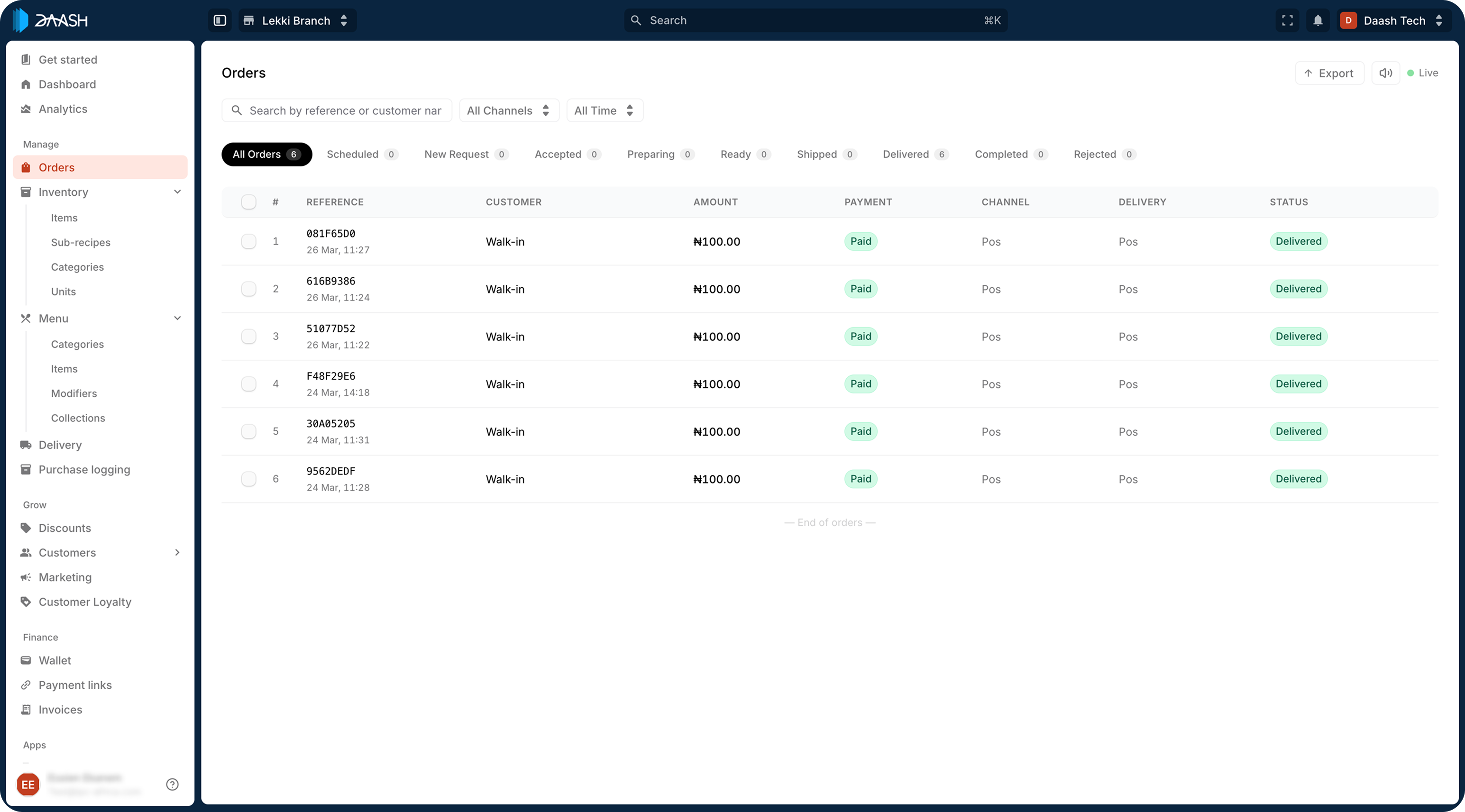
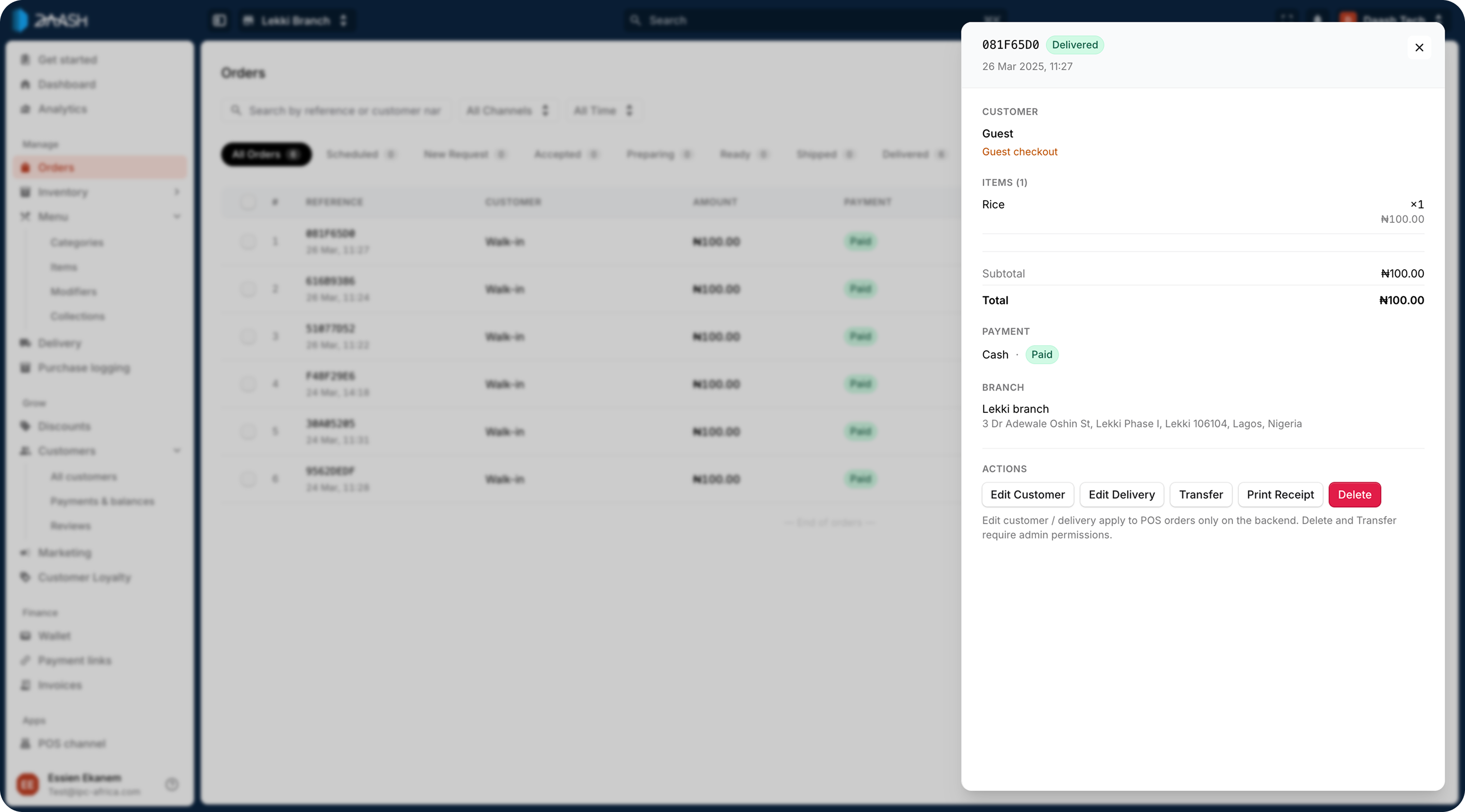
Image of the orders page
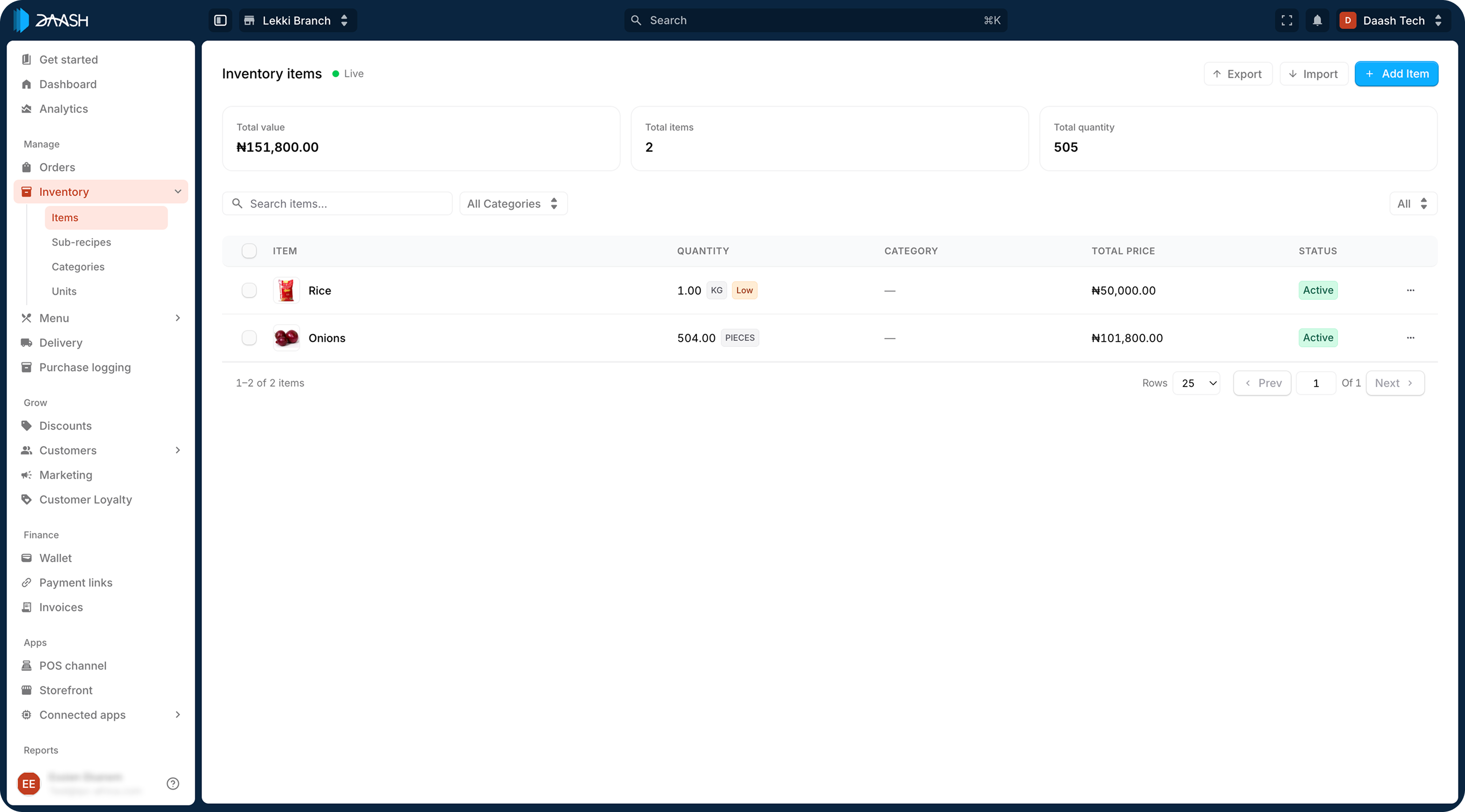
Image of the inventory page
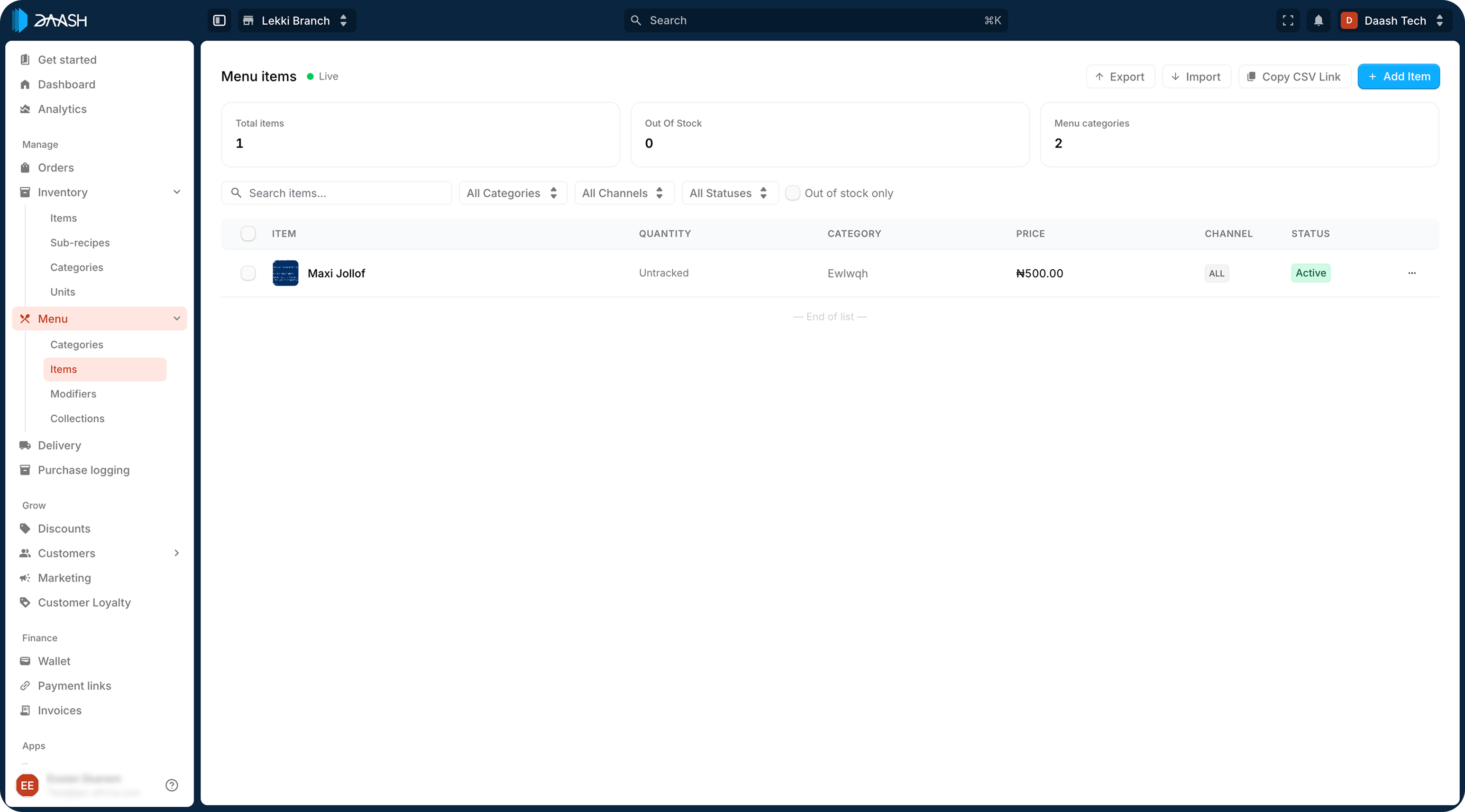
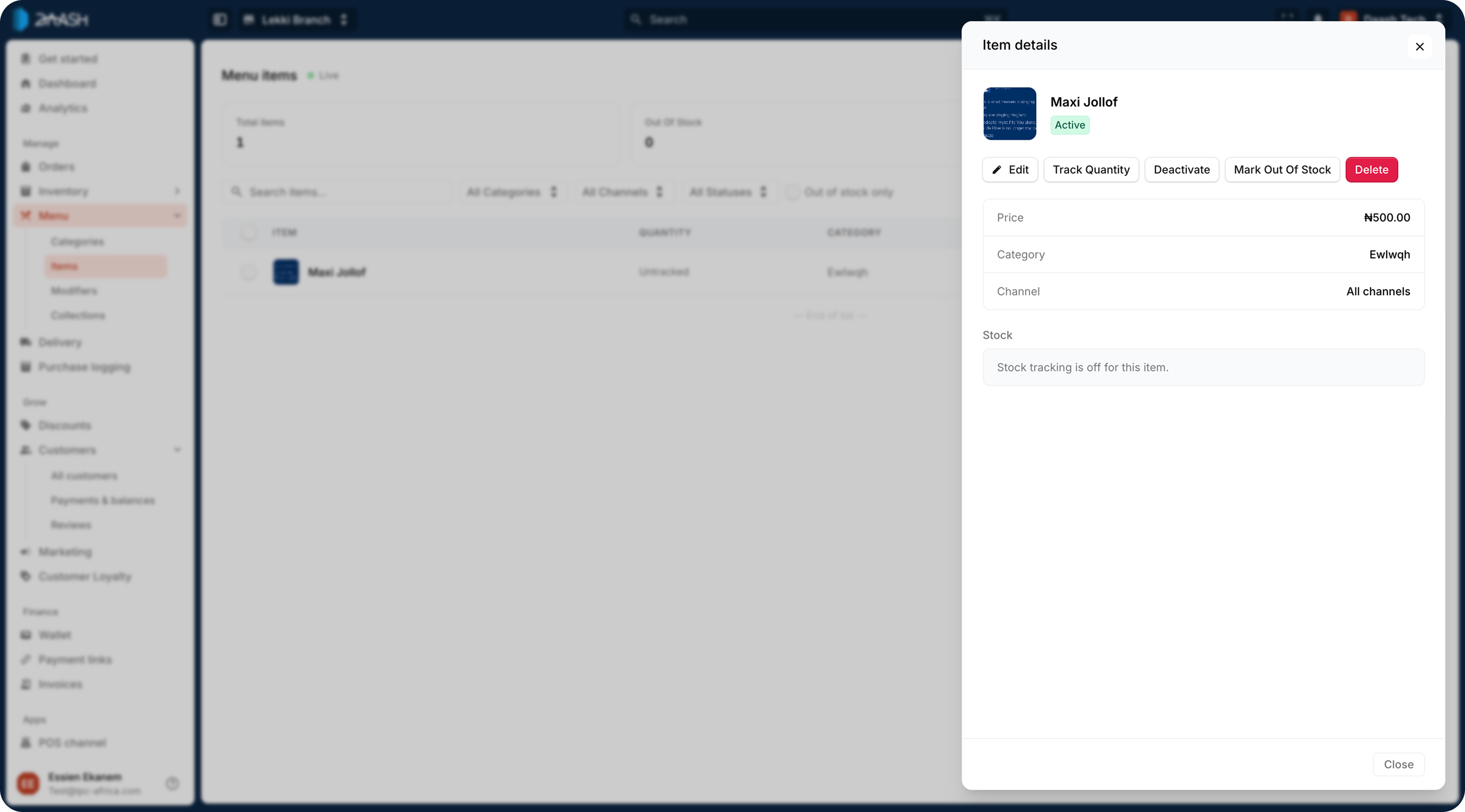
Image of the menu page
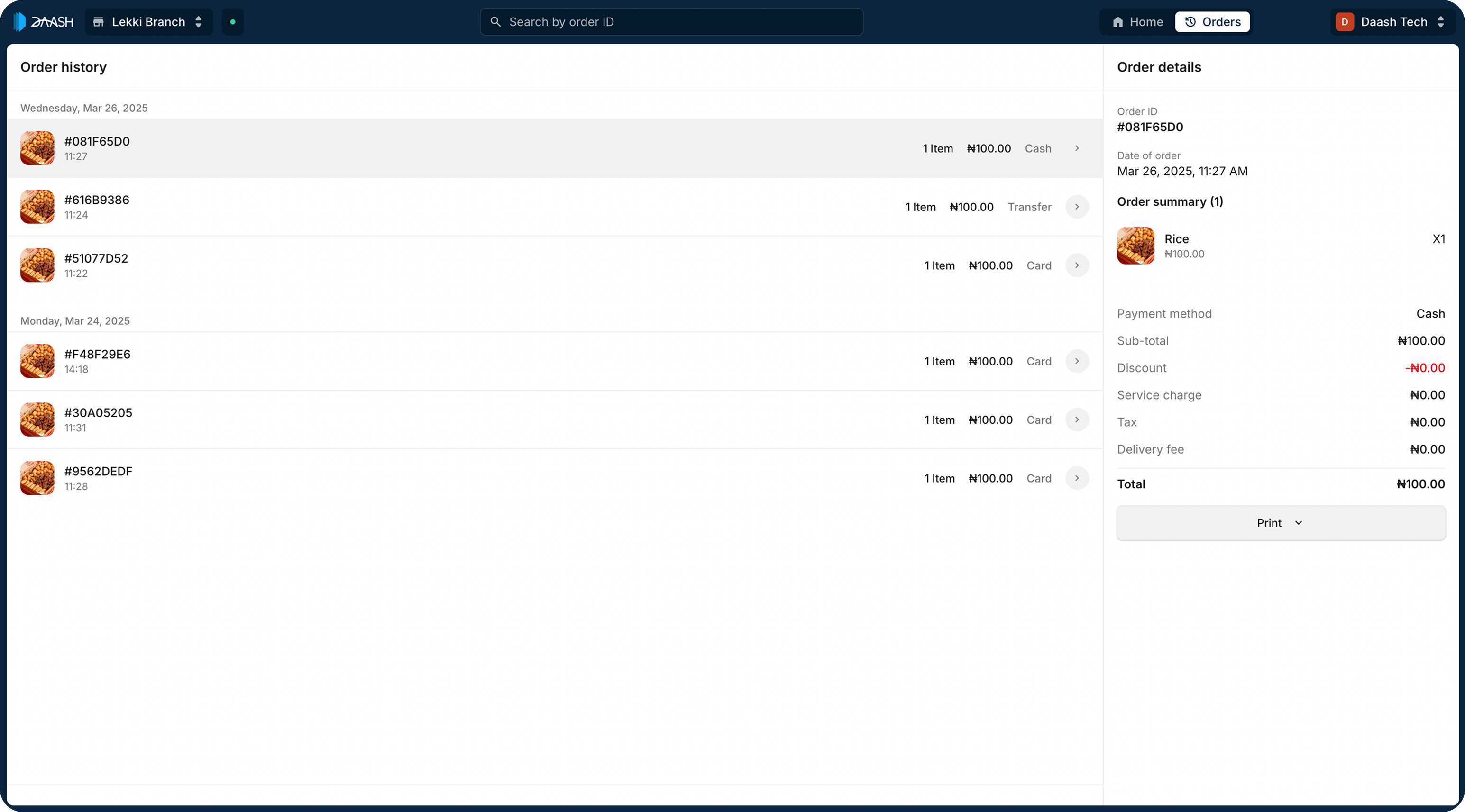
Image of the pos page
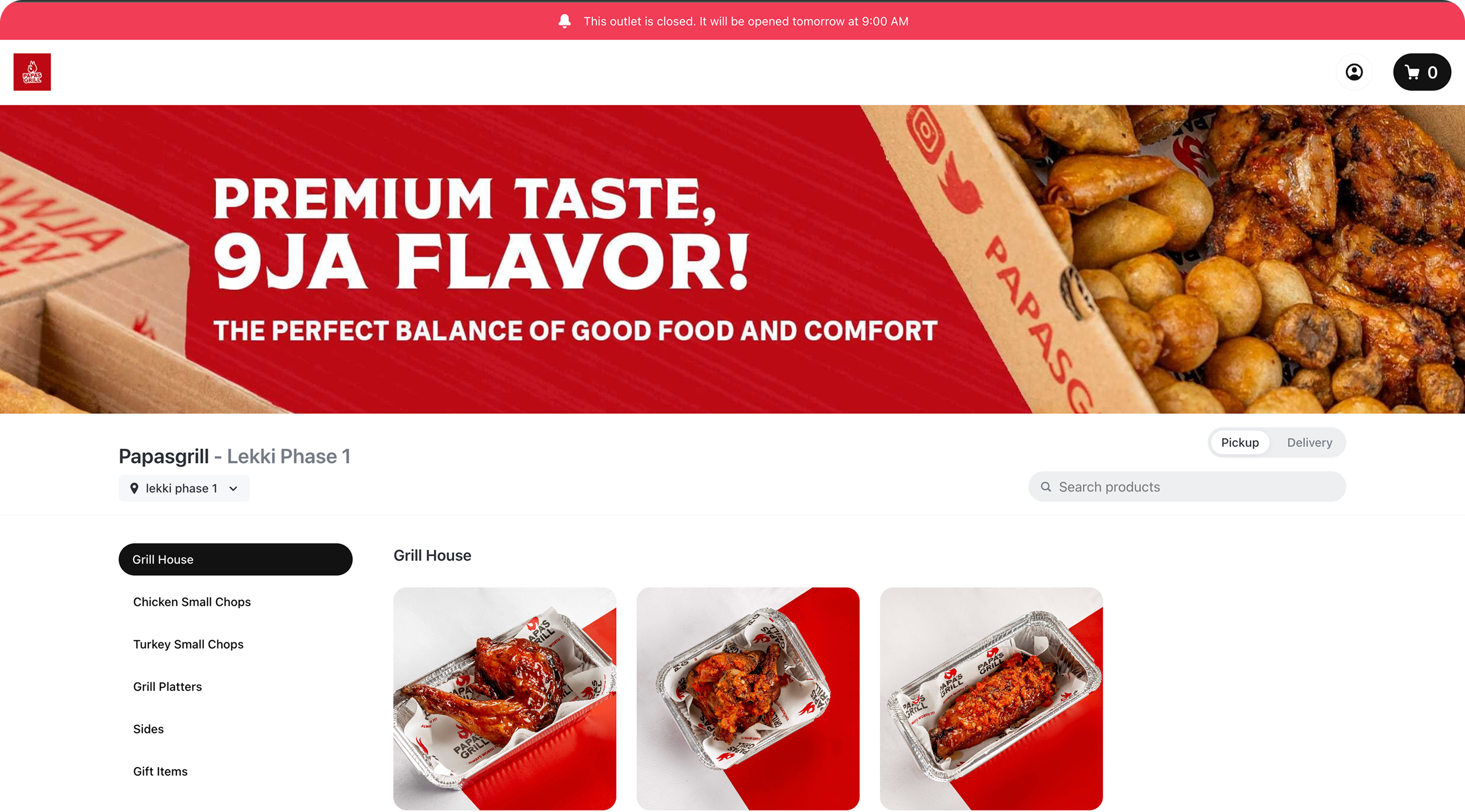
Image of a live online store from Papa’s grill
Keeping the experience simple
The complexity underneath Daash
shouldn’t become the user’s problem.
So across the product, I focused on things like:
Familiar workflows
Use patterns people already understand.
Fewer unnecessary steps
Make frequent tasks quick to complete.
Clear relationships
Help users understand how things connect.
Progressive complexity
Don’t expose everything at once when the user doesn’t need it.
This thinking influenced everything from the POS experience to inventory and the online store.
One example
POS
The POS requirement initially sounded simple:
Create an order → Take payment → Produce a receipt
But research showed that the real workflow was more complicated. Attendants perform these actions repeatedly throughout the day, so I focused on making common actions fast.
For example, instead of requiring attendants to search for every product, commonly sold products were immediately visible.
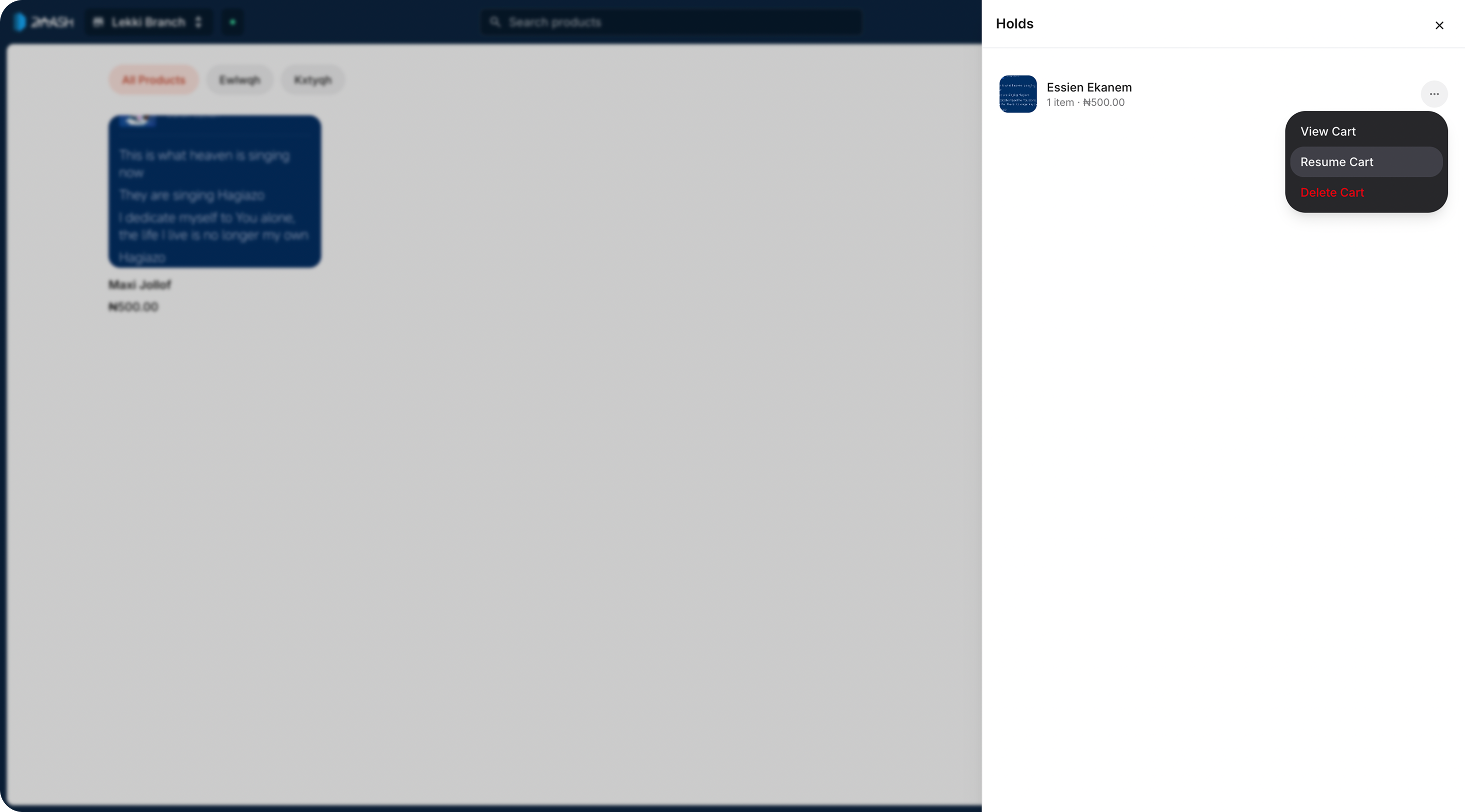
I also introduced Hold Order for situations where a transaction couldn’t be completed immediately.
Working within constraints
We had roughly three months to get the MVP out, so we couldn't build everything we might eventually want.
The online store was a good example.
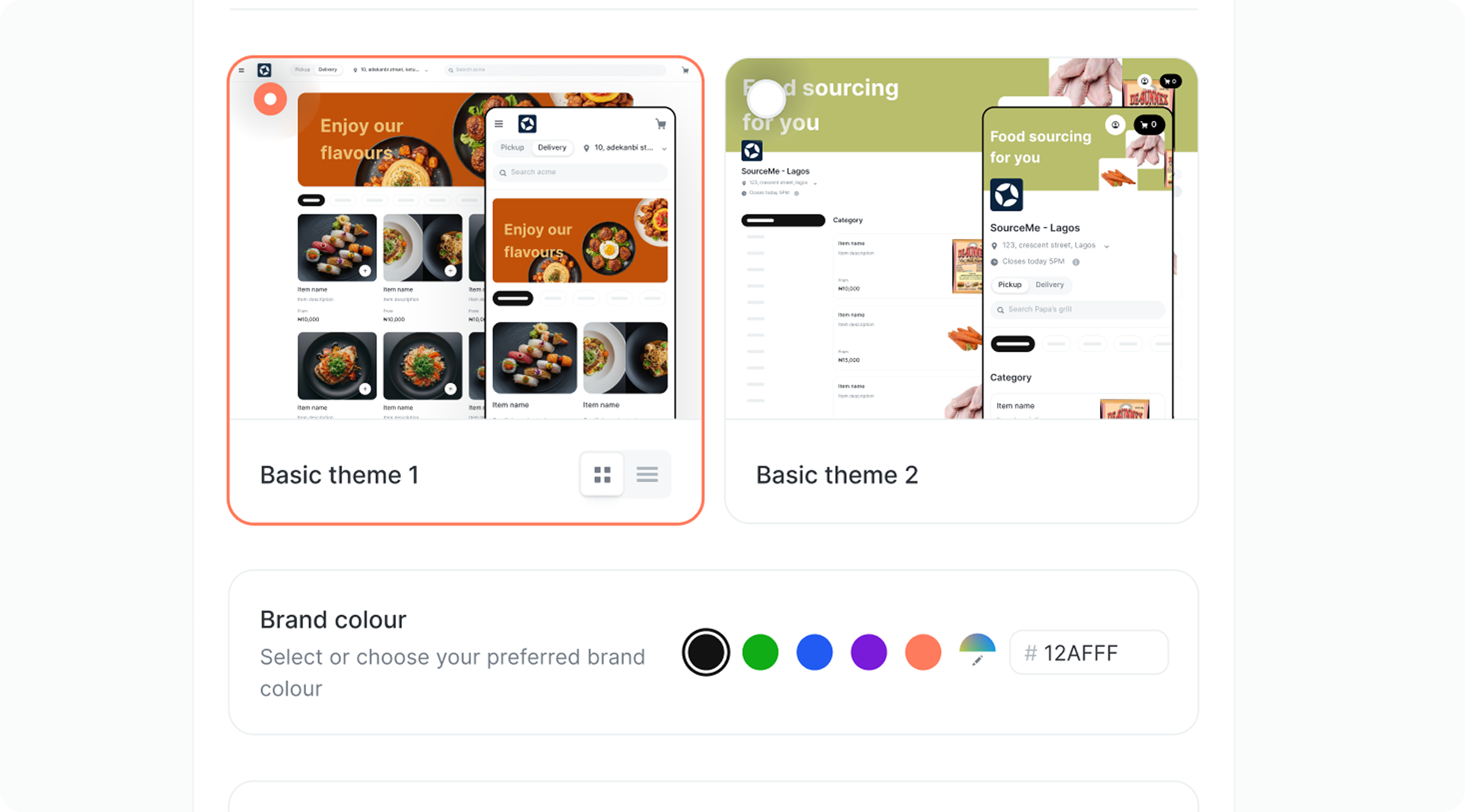
We considered a flexible no-code builder, but that would have required significant engineering effort.
Instead, we chose a template-based approach that still allowed businesses to apply their branding while being much faster to build.
The decision wasn't:
"Which solution is perfect?"
It was:
"Which solution gives the customer enough value while allowing us to ship?"
The outcome
Shipping and the result
We launched the MVP to real businesses.
That changed the way we worked.
Instead of relying only on assumptions and internal reviews, we could see how businesses actually used the product.
Daash went from an early product concept to a working MVP in roughly three months.
Within the first month of Daash beta, it did:
Total order value
₦72M+
Successful order processed
11K+
Active users (Business + Customers)
5k+
Over time, the product grew to:
Total order value
₦8B+
Businesses
800+
Customers
50k+
What I learned
Understand the operation before designing the interface.
Complex systems don’t have to create complex experiences.
Engineering constraints are part of product design.
Shipping is part of the design process.
Real users will always reveal things you couldn’t predict.
If I were building Daash again, I’d simplify some of the workflows even further and remove unnecessary steps.
My biggest takeaway:
The interesting part wasn’t hiding complexity. It was understanding it well enough to know what the user never needed to see
Credits
Shoutout to the amazing team
Anyikamdu Christain
Frontend Engineer
Temitope Agboola
Software Engineer
Ayomide Daniel
Product Manager (MVP)